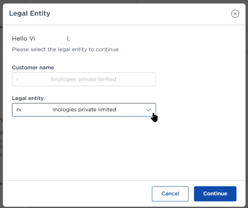
Access to IZO™+ Multi Cloud Connect is through the TCx Portal. Register your organisation once, verify it, and select the legal entity your services will be contracted under.
Sign-up journey
-
Go to the IZO™+ Multi Cloud Connect page and select Buy Now to reach the TCx Portal. If you already have TCx credentials, use Customer Login instead.
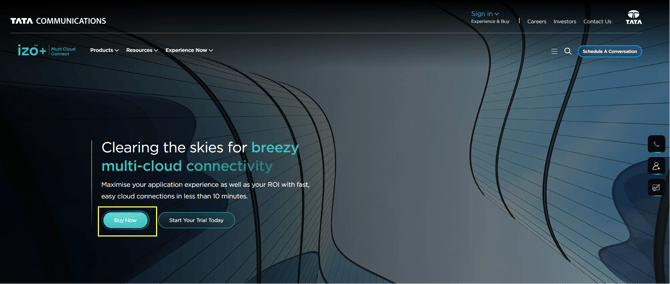
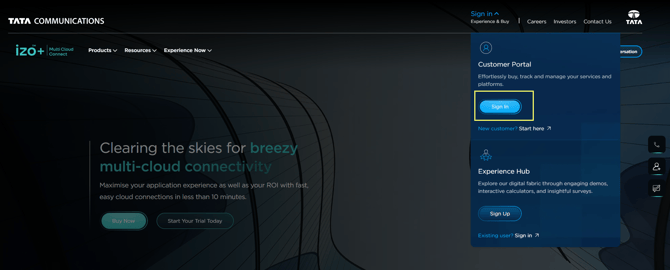
-
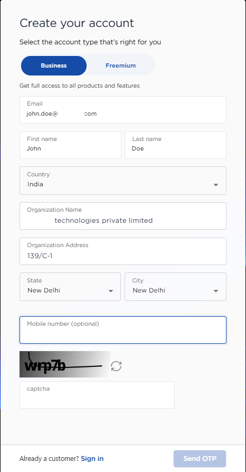
Create your account. On Create Account, enter your
-
Email – primary contact for OTP and other information
-
Name – First and Last Name
-
Country – Your country
-
Organization Name – Type in 3 or more characters and dropdown will appear with possible choices from our database.
-
Organization Address – Auto Populated based on organization name
-
State & City – Choose the state and city from dropdown choices
-
Mobile Number – Optional
-
Captcha – Fill the captcha
-
Click “Send OTP” Button to send the OTP on your email.
-
-
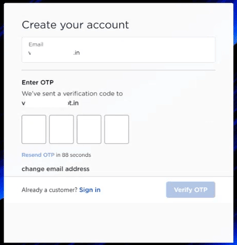
Verify - Enter the one-time password (OTP) sent to your registered email to verify.
-
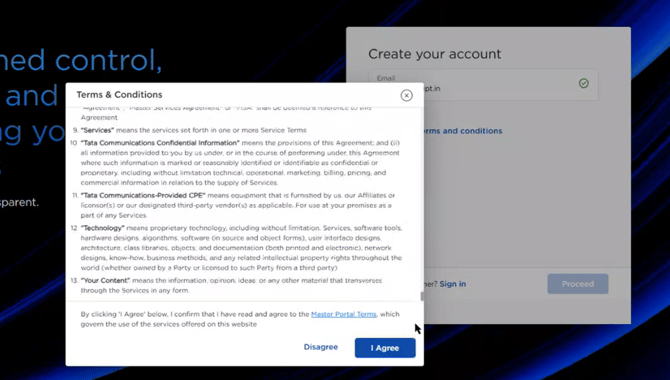
Accept the terms and proceed. It will create and activate the account.
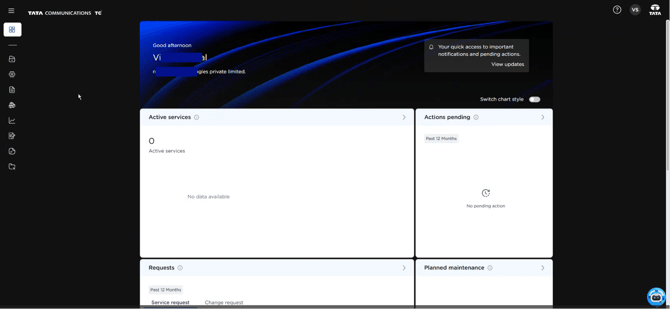
Register with your official work email – generic or public-domain email addresses are not accepted. Your account is enabled once your details are verified.
Choosing a legal entity
During ordering you select the legal entity (the customer contracting entity) the order is placed under. An organisation may hold more than one – for example one for India and one for the United States of America. Choosing the correct entity at the outset keeps ordering, contracting, and billing aligned.